
I Tested AI Services for Website Creation: 5 Tools Webmasters Should Know
I keep seeing the same claim across AI website tools: describe your business, get a finished site in a minute. That’s technically true for most of them, so it’s not a very useful way to compare anything. What actually matters for a webmaster – someone who’s going to maintain this thing, fix it when a client complains, or rebuild something that already exists – is what happens after that first minute.
So instead of just generating five sites and screenshotting the result, I gave each tool a task closer to something a webmaster would actually face: build (or in one case, migrate) a small local business site, then see what needed fixing, what I couldn’t control, and where the AI part of the pitch actually held up.
Here’s what I found, tool by tool.
1. Wix AI Website Builder
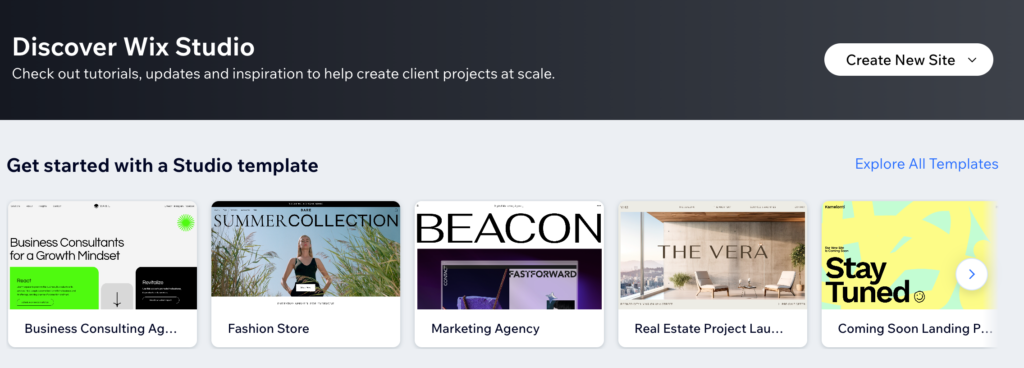
What I asked it to do: describe a small physiotherapy clinic in plain language and see how much of a usable site came back without any manual editing.
What I got back: a structured, multi-page site – home, services, booking, contact – generated from a short conversational description, with the option to keep refining it section by section instead of accepting one giant first draft. That conversational back-and-forth is the part that’s changed the most since older AI site generators that just spat out one result and stepped away. I could ask for a different hero section without regenerating the whole site, which made the editing process feel less like gambling on a new draft and more like actually directing the result.
Where it needed help: the generated copy was generic enough that it could have described almost any clinic in the category, which matches a pattern I’ve seen across this whole category of tool – specific differentiators have to come from you, not the AI. The booking section also needed manual attention to actually match how the clinic takes appointments rather than the generic flow it assumed.
Best for: small business owners who want a real, editable site fast and don’t mind a back-and-forth conversation to get it right.
2. uKit AI
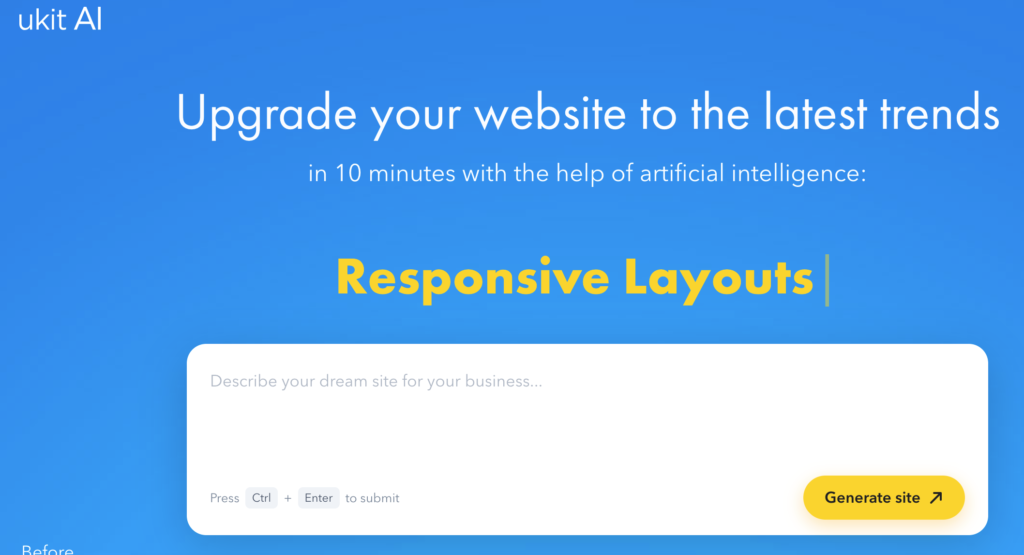
This one works differently from the rest of the list, and that’s exactly why I included it. Instead of generating a site from a description, you give it a link to a website you already have, and it analyzes that site and produces an upgraded version – modern layout, mobile-responsive design, HTTPS, cleaner HTML and CSS – typically within about ten minutes.
What I asked it to do: point it at an outdated, template-heavy small business site and see what came back.
What I got back: a noticeably more modern version of the same site, with the original content carried over rather than replaced, plus access to a CMS with a long list of built-in business tools once I was inside the platform. It’s a genuinely different use case from “build me a site from nothing” – this is closer to a fast redesign tool for a site that already exists but looks stuck in an earlier decade of web design.
Where it needed help: it’s working from what’s already on the page, so if the original content was thin or outdated, the upgrade inherits those problems along with the design refresh. It modernizes presentation; it doesn’t fact-check or rewrite your content for you.
Best for: webmasters and site owners dealing with an outdated existing site who want a fast visual refresh rather than a full rebuild.
3. Framer AI
What I asked it to do: generate a portfolio-style landing page with a more design-forward brief than the other tools got, since Framer’s whole pitch leans toward designers rather than generic small-business sites.
What I got back: a layout generated through Framer’s AI Wireframer feature that was visibly more polished than the other AI-generated drafts, with better typography choices and motion built in by default. Framer is closer to a professional design tool with AI layered in than a “describe your business, get a site” generator, and that showed in the output. The built-in CMS and on-page editing also meant I could keep refining content without leaving the live page view.
Where it needed help: this is not the tool for someone who just wants a generic small-business site with minimal fuss. It rewards design literacy – if you don’t know what you’re looking at when you see spacing or type choices that feel off, you’ll get less value out of the manual refinement step than a designer would. It’s also priced and built more for ongoing brand or marketing sites than a quick one-and-done local business page.
Best for: designers, agencies, and brand-focused sites where visual polish matters more than getting something generic online in five minutes.
4. 10Web AI Website Builder
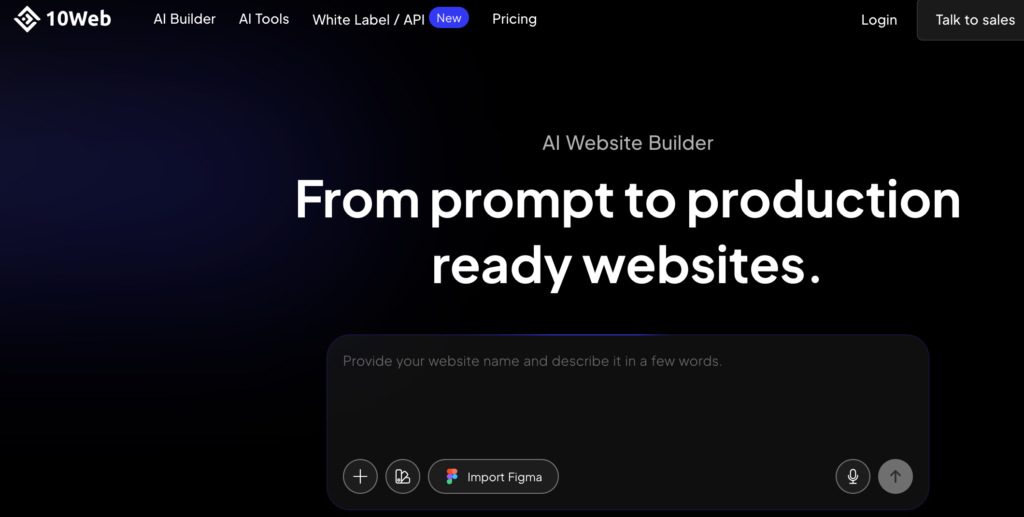
What I asked it to do: generate a full site for the same small business brief, but specifically to test what you get when the result is a real WordPress install instead of a closed platform.
What I got back: a complete WordPress site, built on an Elementor-based editor, with hosting handled on their managed infrastructure and a usable structure generated from the description. The detail that stood out: it can also recreate an existing page from a URL, which is a different and genuinely useful angle if you’re trying to rebuild something that already exists in a similar shape rather than starting from a blank brief. An AI co-pilot stayed available inside the editor afterward for rewriting sections without switching tools.
Where it needed help: because it’s WordPress under the hood, you inherit some WordPress realities – plugin choices, the platform’s general maintenance overhead – that a fully closed builder doesn’t ask you to think about. If you specifically wanted the flexibility of real WordPress with AI doing the initial heavy lifting, that’s a feature. If you wanted to never think about WordPress at all, it’s a mismatch.
Best for: people who want an actual WordPress site with hosting bundled, not a closed platform, and who are comfortable with WordPress as the underlying system.
5. WeeblyToWix.com
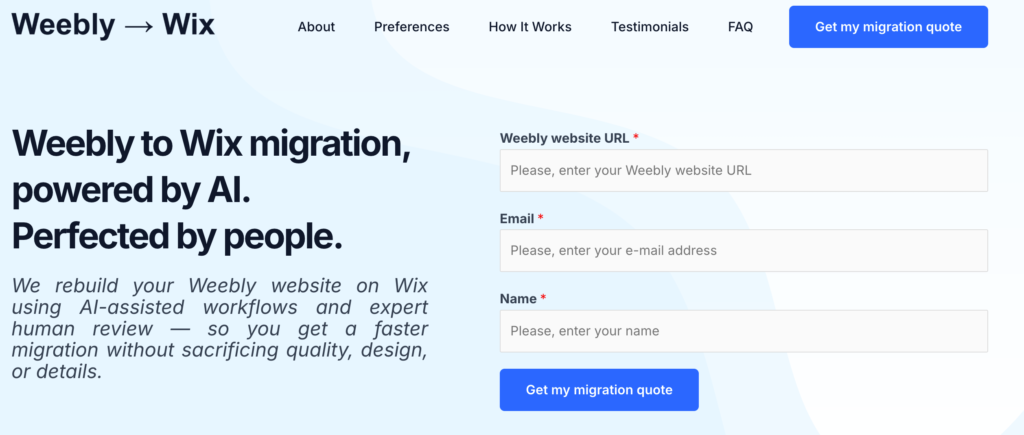
This one isn’t a generator at all, so I tested it differently from the rest of the list. It’s a migration service specifically for moving an existing Weebly site to Wix, combining AI for the repetitive parts – mapping pages, content, and structure – with actual Wix specialists doing the rebuild and review.
What I asked it to do: I submitted an existing Weebly site’s URL to see how the process started and what the AI-versus-human split actually looked like in practice.
What I got back: the AI clearly handled the analysis side – identifying pages, sections, images, and repeated layout patterns fast – while the actual rebuild inside Wix, the mobile-layout polish, and the pre-launch review were explicitly handled by people rather than an automated converter. That split is the actual pitch here, and having tested a few “automatic converter” style tools for similar migrations before, I think it’s the right call. A pure automated converter tends to miss exactly the details – spacing, mobile menus, judgment calls about what to drop versus keep – that this service routes to a human instead.
Where it needed help: this isn’t an instant, self-serve tool – it’s a service with a human team behind the AI-assisted parts, so it’s slower than typing a prompt and getting a live site in a minute. If your need is “fast and fully automated,” this isn’t built for that. If your need is “I have an actual Weebly site I need to leave, and I don’t want to rebuild it myself or trust a blind converter,” it’s solving a real and fairly specific problem well.
Best for: anyone migrating an existing Weebly site to Wix who wants AI-assisted speed without giving up human review on the result.
What I’d actually pick depending on the situation
After running all five through their own version of the same basic test, here’s how I’d actually choose between them:
- Starting completely from scratch with no design background → Wix AI Website Builder.
- Already have a site that just looks outdated → uKit AI.
- Design quality and brand polish matter more than speed → Framer AI.
- Want a real WordPress site with hosting handled for you → 10Web AI Website Builder.
- Specifically need to leave Weebly for Wix without doing the rebuild yourself → WeeblyToWix.com.
None of these fully replace the thinking part of building a website – I went deeper into why in Why AI Can Help You Build a Website – But Not Replace Good Thinking – but for the specific job each one is built around, all five did genuinely save real time over building or migrating by hand. If you’re also evaluating AI tools on the development side rather than the no-code side, I tested Cursor the same way and wrote up what held up and what didn’t in my Cursor review.