
Best AI Tools to Start With If You Are New to Automation
AI automation sounds bigger and more complicated than it really needs to be. When people hear the word “automation,” they often imagine advanced workflows, APIs, agents, integrations and dashboards full of technical settings. Sometimes that is exactly what automation becomes. But if you are just starting, the best approach is much simpler: choose one repetitive task, connect one useful AI tool to it and see whether it saves you time.
I started looking at AI automation from this very practical angle. I am not interested in building complex systems just for the sake of complexity. I want tools that help me summarize information, write faster drafts, organize notes, move data between apps, create reminders, prepare content or reduce small repetitive actions during the day.
This article is a beginner-friendly starting point. I will not cover every automation platform on the market. Instead, I will focus on tools that are relatively easy to understand and useful for people who are new to AI-powered workflows.
1. ChatGPT — the easiest place to understand what AI automation can do
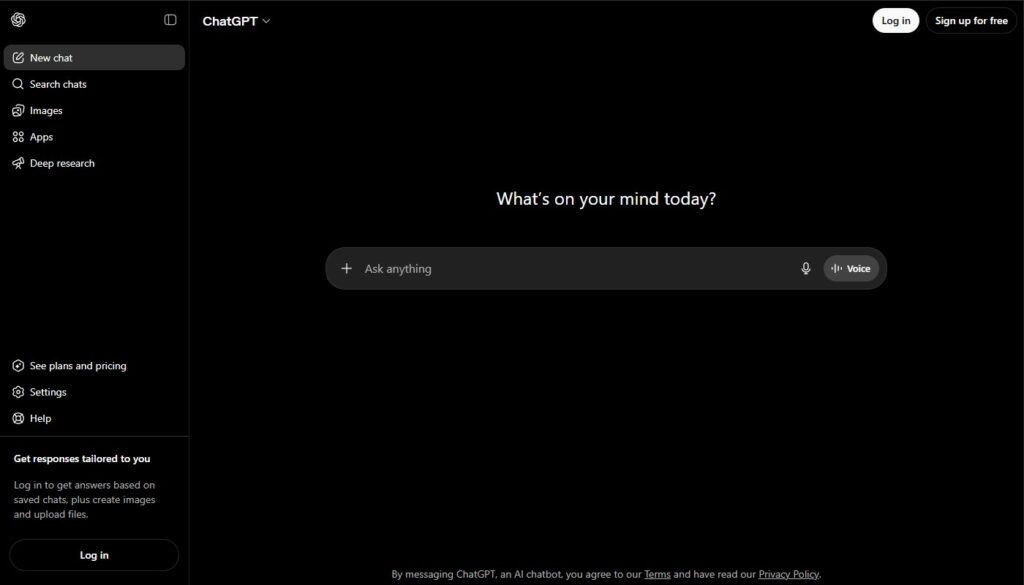
If you are new to AI automation, I would start with ChatGPT before connecting anything to anything else. It helps you understand what AI can do with instructions, structure and repeated tasks. You can use it to create templates, summarize information, rewrite text, plan workflows, generate checklists and prepare reusable prompts.
The useful part is that ChatGPT also supports scheduled and automated prompts through Tasks. OpenAI describes Tasks as a way to let ChatGPT run automated prompts and proactively reach out to you, for example with recurring briefings, reminders or practice sessions.
That makes ChatGPT a good first step because you do not need to build a complex system immediately. You can begin with simple repeatable requests:
“Summarize my weekly notes every Friday.”
“Give me a daily content idea.”
“Remind me to review my open tasks.”
“Prepare a short research briefing every morning.”
This is not full business automation, but it teaches the most important habit: automation begins with a clear instruction that can be repeated.
Best for
Daily prompts, content drafts, summaries, reminders, planning and learning how AI follows instructions.
2. Zapier — the beginner-friendly bridge between apps
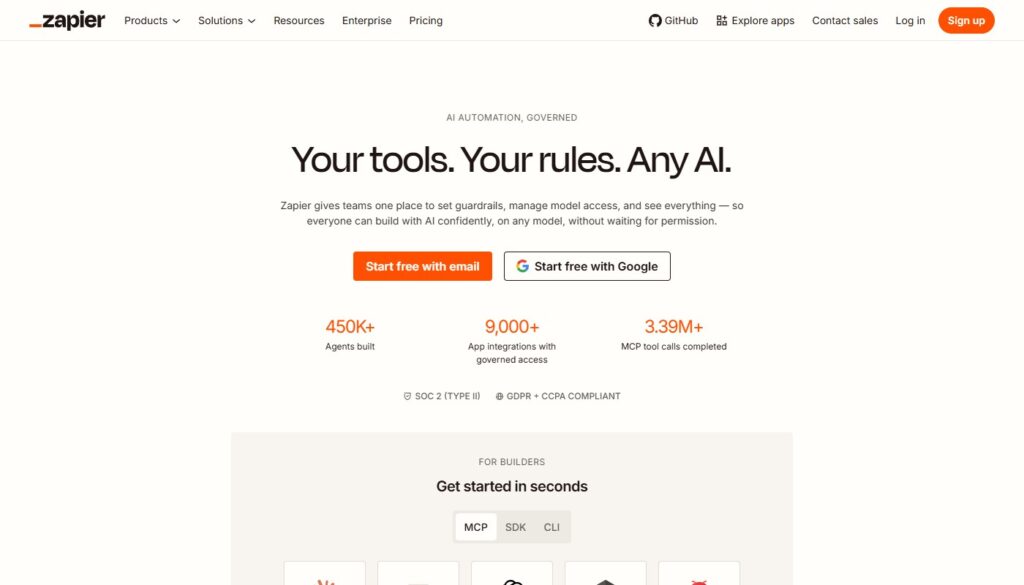
Once you understand the kind of tasks AI can help with, the next step is connecting tools together. This is where Zapier becomes useful. Zapier is built around the idea of connecting apps and automating workflows. Its AI section says it can connect AI directly to workflows, connect hundreds of AI tools to thousands of apps and help users build AI agents, chatbots and workflows.
For a beginner, the main advantage is that Zapier makes automation feel like a chain of simple steps:
When this happens → do that.
For example:
When a form is submitted → summarize the message with AI → send it to email.
When a new lead appears → classify it → add it to a spreadsheet.
When a blog idea is saved → expand it into an outline → send it to a document.
When a support message arrives → draft a possible reply → notify the team.
I like Zapier as a starter tool because it makes automation visible. You can see the trigger, the action and the result. That helps beginners understand how workflows are built.
Best for
Connecting apps, simple business workflows, lead handling, content operations and first no-code automations.
3. Make — visual automation for people who want more control
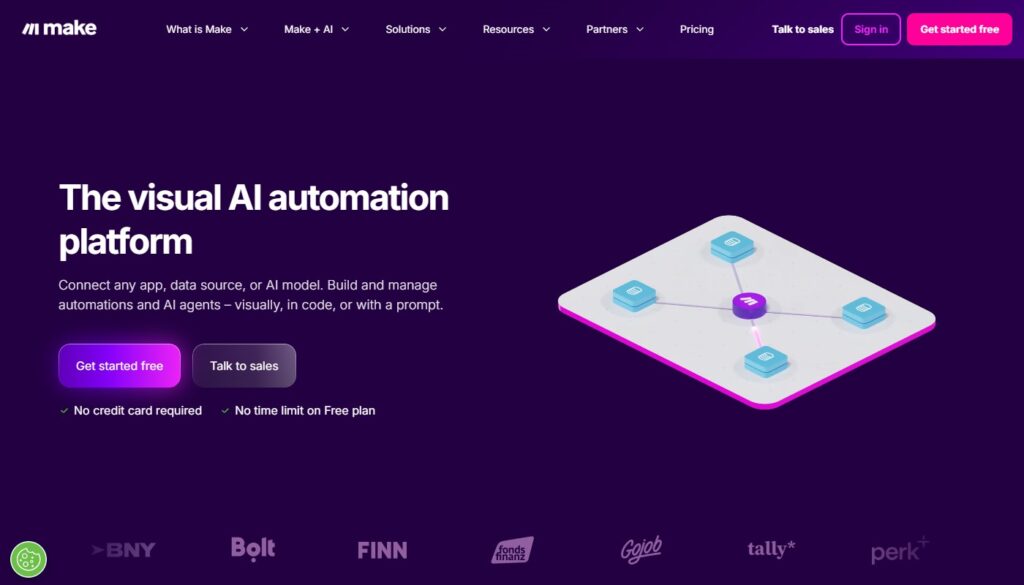
Make is another strong option for AI automation, especially if you like visual workflow builders. Make describes its AI automation tools as a way to gather information, prompt AI and direct outputs through drag-and-drop automation. It also supports AI agents and workflows across thousands of apps.
The difference between Zapier and Make is mostly about workflow style. Zapier often feels more linear and beginner-friendly. Make can feel more visual and flexible. You build scenarios, connect modules and see how data moves through the workflow.
For beginners, Make may look a little more technical at first. But it is excellent if you want to understand automation logic more deeply. It is useful for workflows like:
Collecting data from forms.
Sending that data to an AI model.
Cleaning or rewriting the result.
Saving the output in a spreadsheet or database.
Sending a notification to Slack, email or another app.
If you enjoy seeing the whole workflow mapped out, Make is worth testing early.
Best for
Visual workflows, multi-step automation, AI data processing, content pipelines and no-code experiments.
4. Notion AI — automation inside a workspace

Some people do not need an external automation platform at the beginning. They need better automation inside their notes, documents and project workspace. That is where Notion AI can be useful.
Notion describes its AI product as an assistant inside the workspace that helps users find information, create content, understand data and automate tedious tasks. Notion also highlights AI agents that can build, edit and take action inside Notion.
For beginners, Notion AI is useful because it keeps everything in one place. You can use it to:
Summarize meeting notes.
Turn rough notes into action items.
Draft project descriptions.
Create content outlines.
Organize research.
Rewrite messy text into a cleaner structure.
This is not the same as connecting ten different apps together, but it is still automation. You are reducing manual text work inside the place where your notes and projects already live.
Best for
Notes, project planning, summaries, internal documents, content organization and workspace-based productivity.
5. Google Gemini in Workspace — AI where many people already work
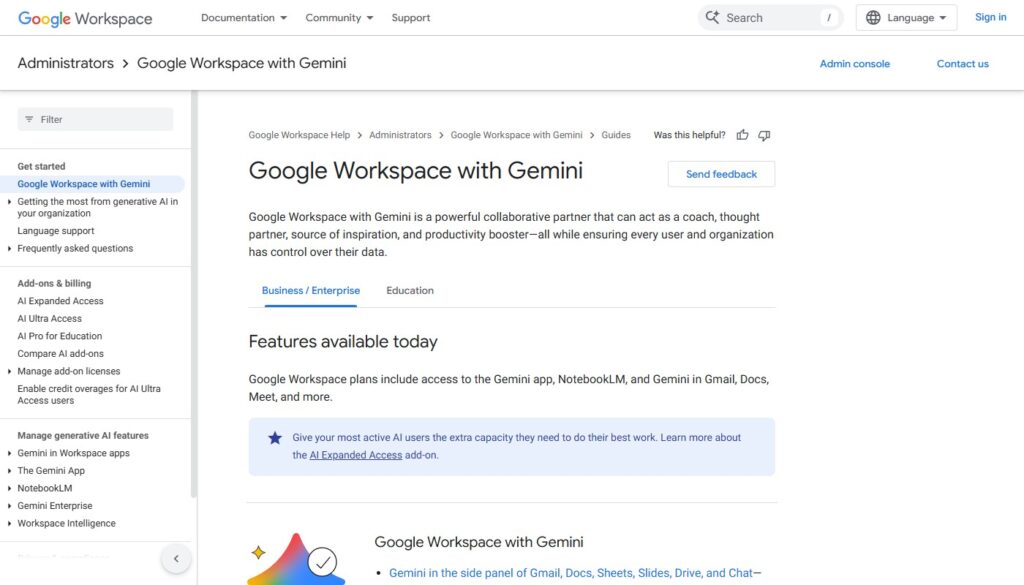
If your daily work already happens in Gmail, Docs, Sheets, Slides or Meet, then AI inside Google Workspace is another logical starting point. Google describes Gemini for Workspace as AI built into tools like Gmail, Docs, Sheets and Meet, with everyday assistance and insights inside work apps.
For beginners, the advantage is simple: you do not need to move your work somewhere else. AI appears inside tools you may already use. That can help with:
Drafting emails.
Summarizing documents.
Creating meeting notes.
Working with spreadsheet data.
Preparing first drafts in Docs.
Turning notes into slides or outlines.
Google has also been expanding more agentic and workflow-focused AI experiences. Gemini Enterprise describes agents that can automate multi-step, multi-app workflows, while Google’s Spark overview describes tasks connected to Gmail, Calendar, Docs, Sheets and Slides.
For a beginner, I would not start with the most advanced agent features. I would start by using AI inside one existing document, email or spreadsheet, then slowly move toward more repeatable workflows.
Best for
Email, documents, spreadsheets, meeting notes, Workspace productivity and teams already using Google tools.
6. Canva AI — simple automation for visual content
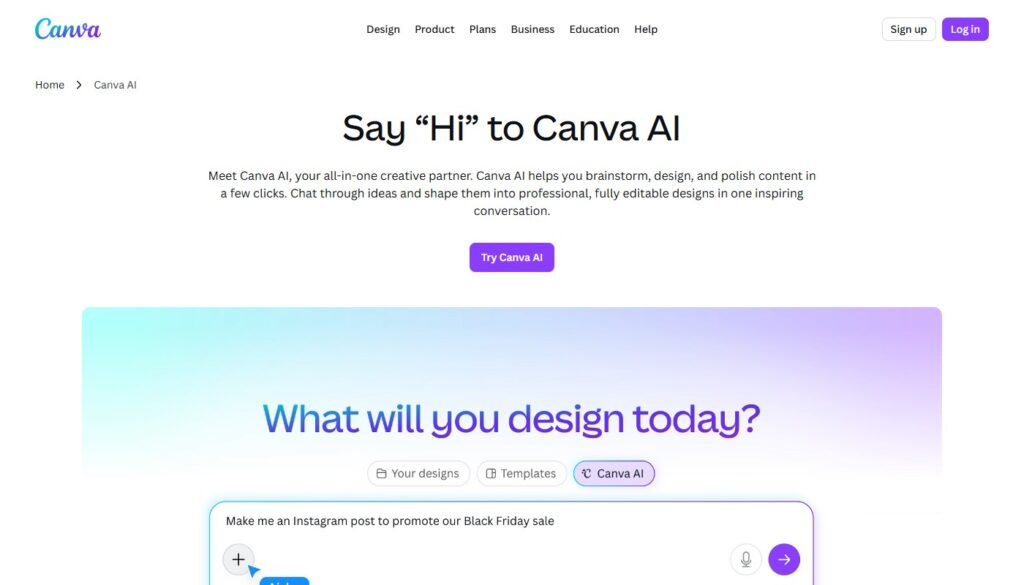
Automation is not only about spreadsheets and business systems. It can also mean reducing repetitive creative work. Canva AI is useful for people who regularly create social media posts, presentations, simple graphics, thumbnails or marketing visuals.
I would not describe Canva AI as a classic automation platform. It is better to think of it as creative acceleration. It helps users generate drafts, adapt designs, create visual ideas and produce content faster than starting from a blank page.
For someone new to automation, Canva AI is a good reminder that AI workflows can be small. You might create a repeatable process like:
Write a short post idea.
Generate a visual draft.
Adapt it into a social post.
Resize it for another platform.
Save it as part of a content batch.
That is automation in a practical sense: fewer manual steps, faster output and less blank-page friction.
Best for
Social posts, presentations, simple graphics, marketing visuals and content batching.
7. ChatGPT + Zapier or Make — the first real automation stack
Once you test a few tools separately, the most useful beginner stack is often simple:
An AI assistant for thinking and text.
An automation platform for connecting apps.
For example, ChatGPT can help you design the workflow, write the prompt and define the output format. Zapier or Make can run the workflow between apps. This combination is much more useful than trying to build something advanced from day one.
A simple beginner workflow might look like this:
A user submits a contact form.
Zapier or Make sends the message to an AI step.
The AI summarizes the request and identifies the topic.
The result is saved in a spreadsheet.
You receive a notification with the summary.
This is a small automation, but it teaches you the core logic of AI workflows: input, prompt, output, action.
How I would choose your first AI automation tool
If you are completely new, do not start by asking, “What is the most powerful automation tool?” Start with a more boring but better question: “What task do I repeat often?”
If the task is mostly writing, summarizing or planning, start with ChatGPT.
If the task involves moving information between apps, start with Zapier.
If you want more visual control over multi-step workflows, try Make.
If your work lives in notes and documents, try Notion AI.
If you already work inside Google Workspace, test Gemini features there.
If your repetitive work is visual content, try Canva AI.
The best first tool is not the one with the biggest feature list. It is the one that helps you automate one small task this week.
A simple beginner checklist
Before choosing a tool, I would answer these questions:
- What task do I want to automate?
- Where does the input come from?
- What should AI do with that input?
- Where should the result go?
- Do I need a human review step?
- How often will this workflow run?
- Will this actually save time after setup?
That last question matters. Some automations are fun to build but useless in practice. A good automation should either save time, reduce mistakes, improve consistency or make a repetitive task easier to manage.
Conclusion
AI automation does not have to start with complex agents or advanced integrations. It can start with one recurring prompt, one summarized email, one automated content outline or one form response that gets processed more intelligently.
For beginners, I would start with tools like ChatGPT, Zapier, Make, Notion AI, Google Gemini in Workspace and Canva AI because they make automation easier to understand from different angles. Some help you think and write. Some connect apps. Some organize workspaces. Some speed up visual content.
The important thing is to avoid chasing automation for its own sake. Start with a real task, test a small workflow and improve it only if it actually helps. That is the PromptNerd way: less hype, more working systems.